New Feature: Custom Domain Support for Client Intake Forms
Business workspaces can now use custom domains for client intake links. Send clients to forms.youragency.com instead of generic URLs for a fully branded experience.
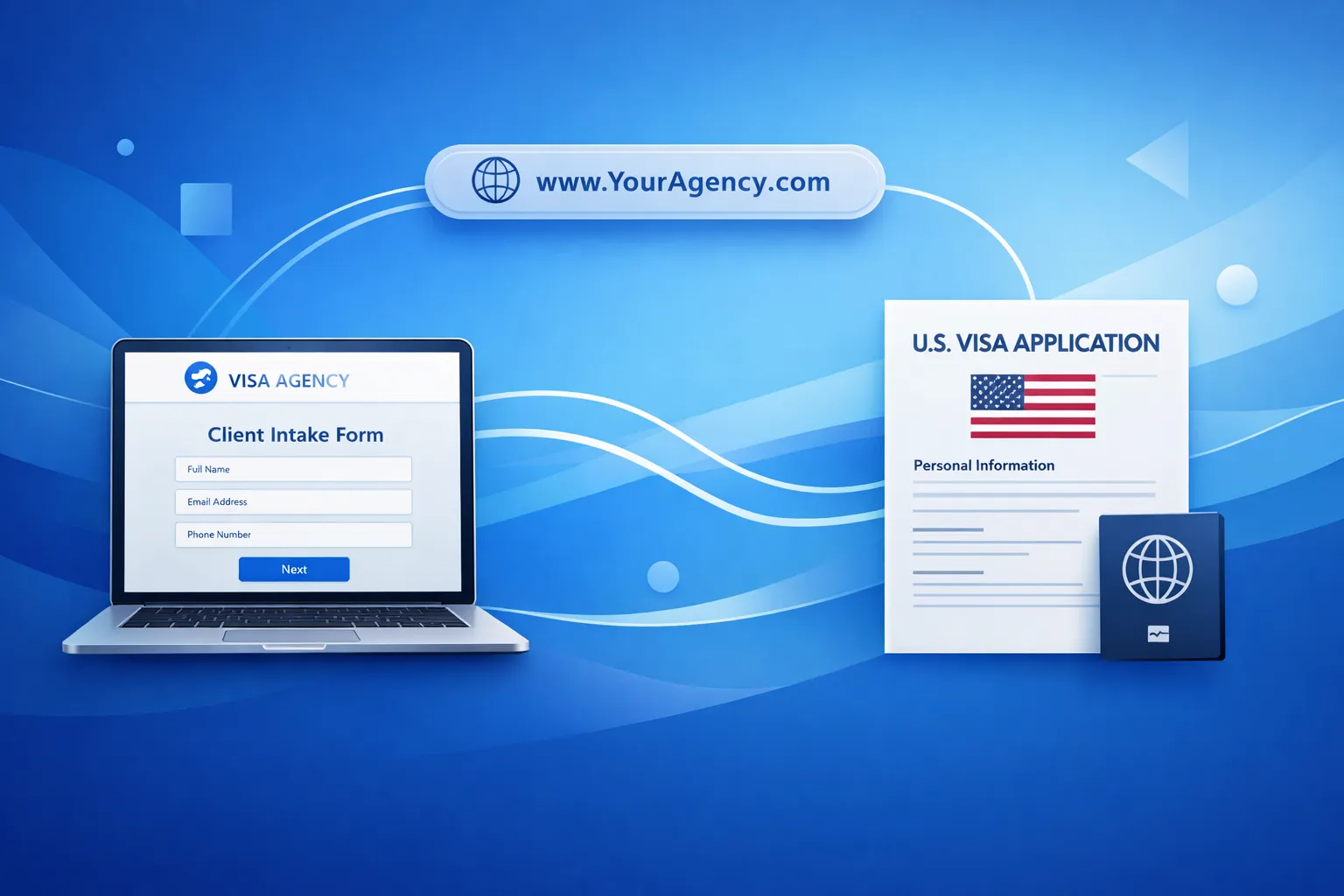
We’ve added custom domain support to business workspaces. You can now send clients intake links using your own domain—like forms.youragency.com—instead of our default URL.
This has been one of our most requested features from visa agencies and immigration firms who want to maintain brand consistency throughout the client intake process.
What’s New
Business workspace owners can now configure a custom subdomain that will be used for all client intake links generated from that workspace.
Instead of:
https://www.ds160.io/client-intake/abc123?token=xyzYour clients will see:
https://forms.youragency.com/client-intake/abc123?token=xyzThe functionality remains identical—only the domain changes.
Why We Built This
When we talked to agencies using DS160.io for client intake, a common theme emerged: they wanted the intake experience to feel like an extension of their own service, not a redirect to a third party.
Several agencies mentioned that clients would call to verify links were legitimate before clicking. Others noted that branded URLs simply looked more professional in their client communications.
Custom domains solve both problems. Clients see a familiar domain they already trust, and agencies maintain consistent branding from first contact through visa submission.
How It Works
Setup Process
-
Add a CNAME record with your domain registrar pointing your subdomain to
www.ds160.io:forms.yourdomain.com CNAME www.ds160.io -
Configure in Workspace Settings — Enter your subdomain. We’ll notify our team to set up the infrastructure.
-
Verify DNS — Click “Verify DNS” to confirm your CNAME is configured correctly.
-
Verify SSL — Once DNS is verified, the button changes to “Verify SSL”. Click it to check if your SSL certificate is ready.
-
Start using it — Once both DNS and SSL are verified, all new client intake links will automatically use your custom domain
What Gets Served on Your Custom Domain
Custom domains serve two route types:
/client-intake/*— Client-facing intake forms/api/*— API endpoints for form submission
All other routes redirect to the main DS160.io site. This keeps the scope limited to client intake functionality.
DNS and SSL Verification
The verification process has two stages:
-
Verify DNS — We check that your CNAME record correctly points to our servers. DNS propagation typically takes 5-30 minutes, though it can take up to 48 hours depending on your registrar.
-
Verify SSL — After DNS is verified, click “Verify SSL” to check if the SSL certificate has been provisioned. We automatically detect when the certificate is ready and activate your custom domain.
Once both checks pass, your custom domain is fully active and all new client intake links will use it automatically.
Technical Details
SSL Certificates
We automatically provision SSL certificates for verified custom domains using Let’s Encrypt. Certificates are renewed automatically before expiration.
Security
Custom domains are aliases—they don’t change how we handle or store data. All the same encryption and security measures apply:
- TLS 1.3 encryption for all traffic
- Same data handling and storage policies
- Same access controls and authentication
Existing Links
Previously generated intake links (using www.ds160.io) continue to work. Only newly generated links will use your custom domain.
Availability
Custom domain support is available now for all business workspaces. There’s no additional cost—it’s included in the business workspace subscription.
To set up your custom domain:
- Go to Workspace Settings
- Scroll to Custom Domain
- Follow the configuration steps
If you run into any issues with DNS configuration, reach out to support and we’ll help get it sorted.
What’s Next
We’re continuing to expand white-label capabilities for visa agencies. Custom domains are the first step toward a fully brandable client experience. We’re exploring additional customization options based on feedback from agencies—if you have specific requests, let us know.